'%20stroke-width='2.06905'/%3e%3cpath%20d='M11.8693%2013.0529L34.8478%2010.9912L5.66088%204.90687M11.8693%2013.0529L16.4275%2029.5866L11.1288%2025.2477M11.8693%2013.0529L5.66088%204.90687M5.66088%204.90687L3.70953%2030.1002L11.1288%2025.2477M5.66088%204.90687L11.1288%2025.2477'%20stroke='url(%23paint1_linear_logo_mark)'%20stroke-width='2.06905'/%3e%3cdefs%3e%3clinearGradient%20id='paint0_linear_logo_mark'%20x1='31.1877'%20y1='15.4705'%20x2='15.2677'%20y2='22.1691'%20gradientUnits='userSpaceOnUse'%3e%3cstop%20stop-color='%2300FFD2'/%3e%3cstop%20offset='1'%20stop-color='%23114239'/%3e%3c/linearGradient%3e%3clinearGradient%20id='paint1_linear_logo_mark'%20x1='15.438'%20y1='10.5337'%20x2='25.1816'%20y2='22.396'%20gradientUnits='userSpaceOnUse'%3e%3cstop%20stop-color='%2392CEC0'/%3e%3cstop%20offset='1'%20stop-color='white'/%3e%3c/linearGradient%3e%3c/defs%3e%3c/svg%3e)

Guides
What to document before you ship your first build.
Good documentation preserves the decisions behind a build and gives its next owner a confident start.
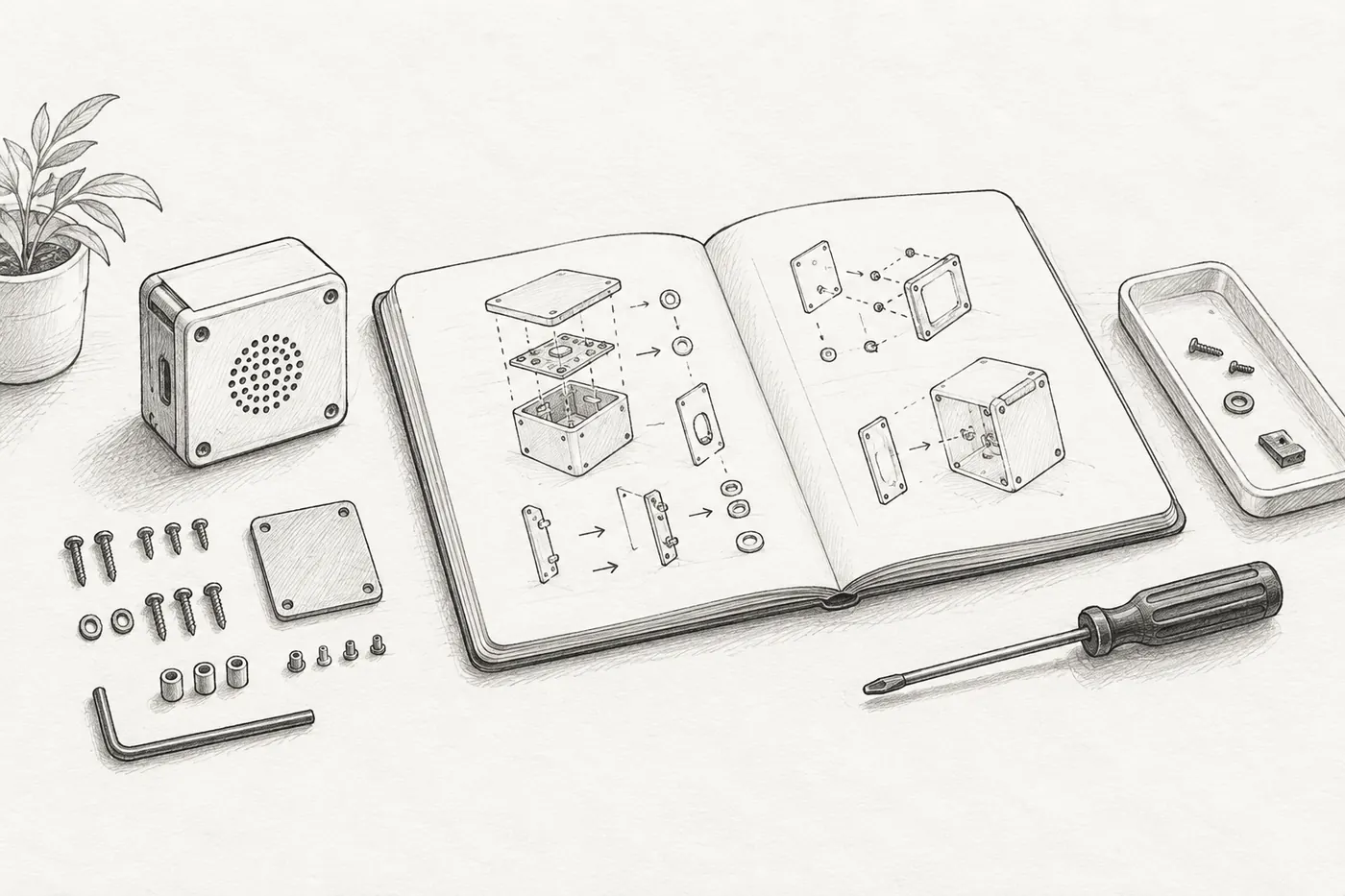
The final assembly is still on the bench, so every detail feels obvious. You know which cable goes where, how firmly the case closes, and what the status light means during startup. The person opening the box knows none of this. Documentation is the bridge between those two points of view.
Writing it before shipping does more than help the recipient. It exposes unfinished parts of the product. If the setup needs a long explanation, the interface may need another pass. If two revisions look identical but behave differently, the revision needs a visible identity. Documentation is part of the build because it tests whether the object can leave its maker.
Record what this unit is
Begin with identity. Give the product a stable name and the build a revision. Record the date assembled and the firmware or configuration version when relevant. If a future replacement part must match a dimension or connector, write that down too. The aim is not to publish the whole workshop notebook. It is to make this physical unit understandable six months from now.
- Product name, hardware revision, and unit identifier.
- What is included in the package and what the user must provide.
- Compatible accessories, software, and ordinary operating requirements.
- A dated record of any variation specific to this build.
Walk through the first ten minutes
Write setup instructions while following them with a reset device and a cleared workspace. Start at the unopened package. Describe connections in the order they should happen, using the same names that appear on the object. Say what successful startup looks like. A useful instruction pairs an action with an observable result: connect this, then expect that.
“The first-run guide should replace the maker standing beside the product.”
Include the normal controls and states after setup. Label diagrams sparingly and make them match the shipped revision. Photographs can help with orientation, but a sentence should still explain why the pictured detail matters. Keep optional tuning separate from the shortest path to a useful result.
Make recovery ordinary
A product feels more dependable when common confusion has a calm answer. Document how to restart, return to a known state, and distinguish a normal wait from a problem. List a few symptoms in the language a user would use, followed by simple checks. Avoid turning the guide into an exhaustive fault tree; give people a sensible next step and a clear route to support.
Also say how to care for, store, and clean the object where that affects ordinary use. Identify parts intended to be replaced and how someone can request them. If the enclosure can be opened for planned maintenance, explain the boundary of that task without encouraging risky improvisation.
Preserve the maker record
Keep a private build record alongside the customer-facing guide. Note the bill of materials revision, assembly checks, and final functional check. Record departures from the standard build. This is the trail you will need when feedback arrives or the next batch begins.
Finally, read every document as the owner rather than the inventor. Remove workshop shorthand. Check every link and filename. Put the essential guide where it can be found after the packaging is gone. Shipping the object transfers possession; good documentation transfers enough knowledge for the object to become useful.